

Why CMR Management Software – easy, fast, digital CMR waybills
CMR Control Panel
See all CMRs, Recipients, Locations and Carriers in one place. Quick searches for any information.
Easy Configuration
Add Customers, CMR Templates, Locations and Carriers in a few clicks. Everything adapted to your workflow.
Mobile Access
Generate and view CMRs in the field. PDF documents ready to send to customers or partners.
Integration with External Systems
Connect via REST API and webhooks to ERP, CRM or e-commerce. Fast data import/export.
Support
Our team helps you get the most out of CMR Management. Fast technical support, FAQ, video tutorials, …
Expanding Features
Continuous development based on carrier feedback. Frequent updates and prompt support.
The Only CMR Waybill Software You Need
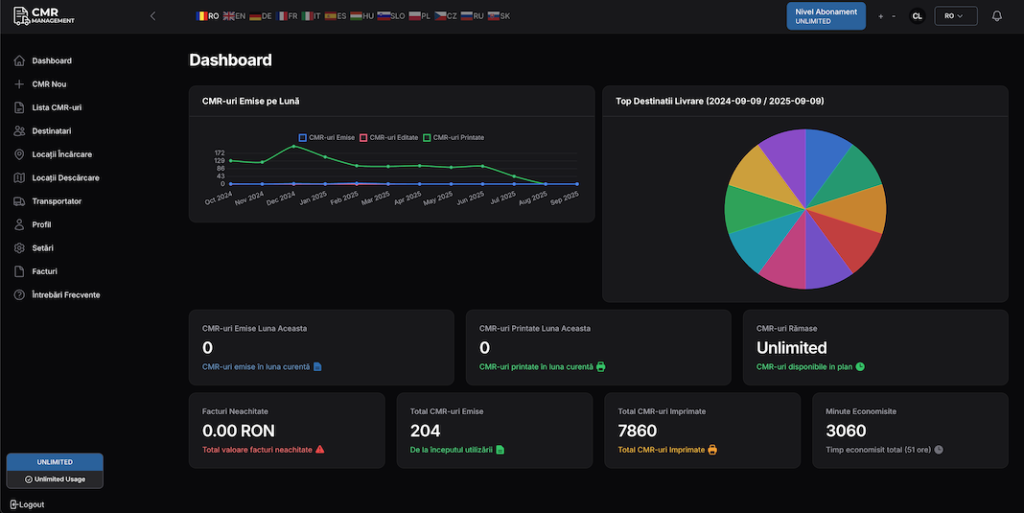
Simple Operational Dashboard
View all your CMR, clients and recent activity in one place. Track the number of documents created per month and quickly access the latest generated CMR waybill.
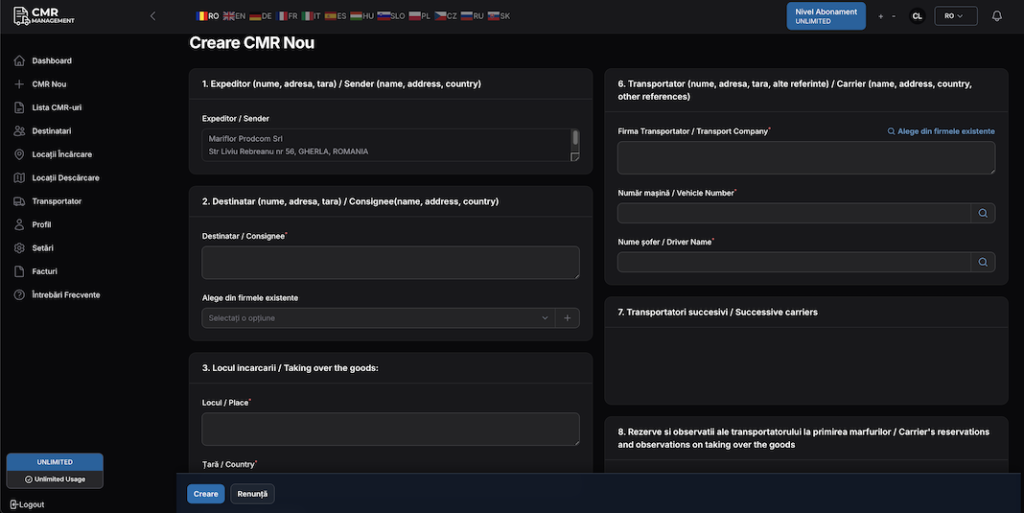
Easy CMR Completion
Complete CMR forms in multiple languages with standard data: sender, recipient, loading/unloading locations, goods and carrier details. Simple and intuitive interface for quick documents.
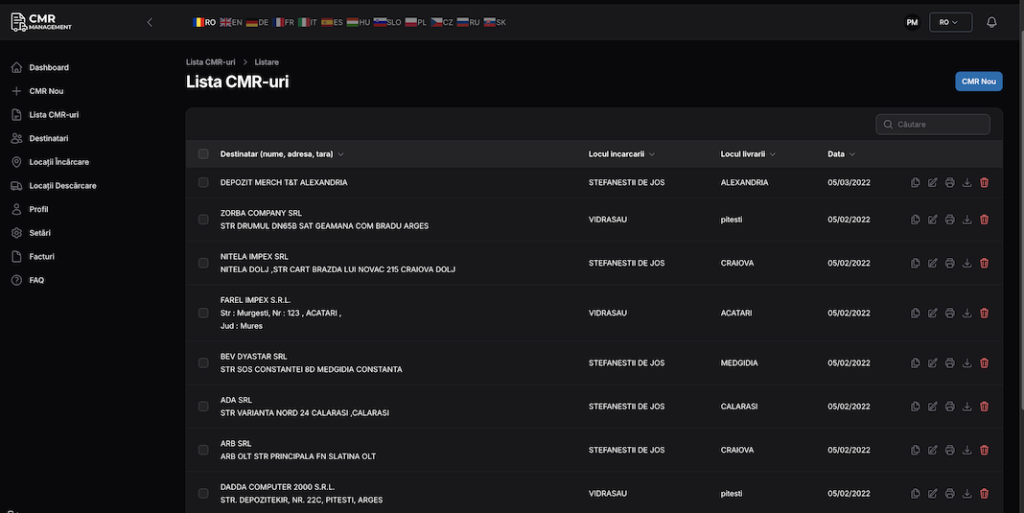
Search and Organize CMR
Quickly search through all created CMR by client, date or number. View, edit or generate PDFs for existing documents. Complete history of all changes using our CMR waybill software.
Analysis & Reports
Reports for clients and carriers. Export to XLS/PDF for quick sharing and audit.
Customization CMR
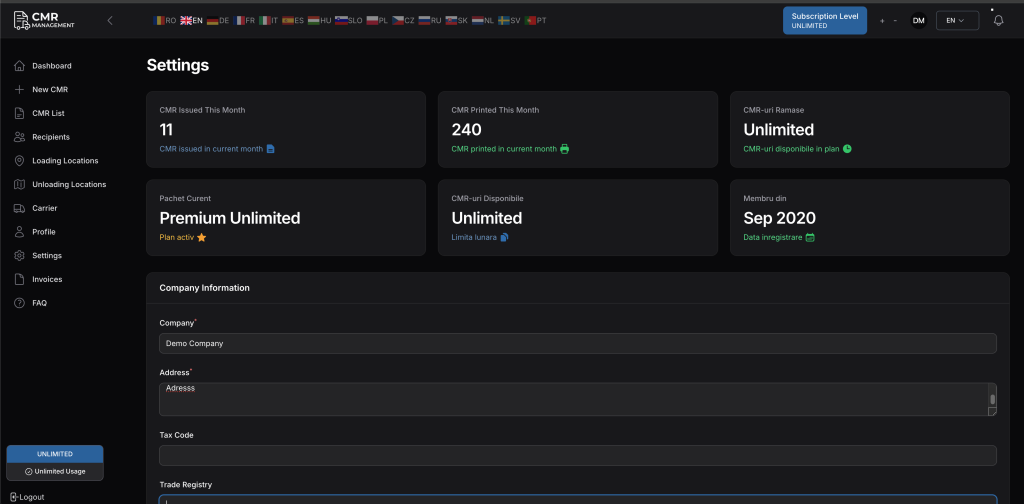
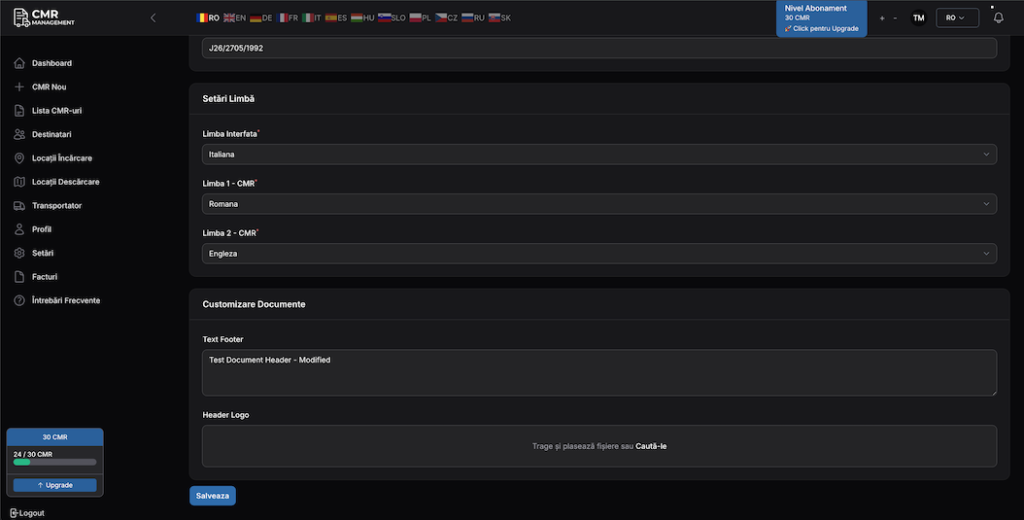
Configure CMR templates according to your needs: add the logo to the header, contact details and additional information to the footer, so that the documents reflect your own identity and branding.
How the eCMR-compatible digital workflow works
Create or convert
Start from structured transport data or from an existing CMR document.
Invite the right people
Send role-specific secure access, a link with a verification code, to the carrier, the driver, and the receiver.
Record the journey
Participants confirm acceptance or refusal, driver assignment, pickup and delivery milestones, and amendments as applicable.
Follow the evidence trail
View the document status, participant actions, PDF artifacts, and the full event history.
The eCMR-compatible digital workflow is available in selected plans and add-ons.
I Recommend with Confidence
I issue CMR quickly and without errors, and clients receive automatic notifications. We save time every day with this CMR waybill software.


Register for Free Now!
Usage is FREE up to 5 CMR per month. Start creating professional CMR documents right now!
Get started:
Try our CMR waybill management system today or learn more about what a CMR consignment note is.
Try our platform and create your CMR online for free.